How Often Should a Restaurant Post on Instagram?
Three to four feed posts a week, plus stories on the days something's happening, is a pace most restaurants can keep. Here's a simple weekly rhythm, what to post, and how to stay consistent when the dinner rush eats your evenings.
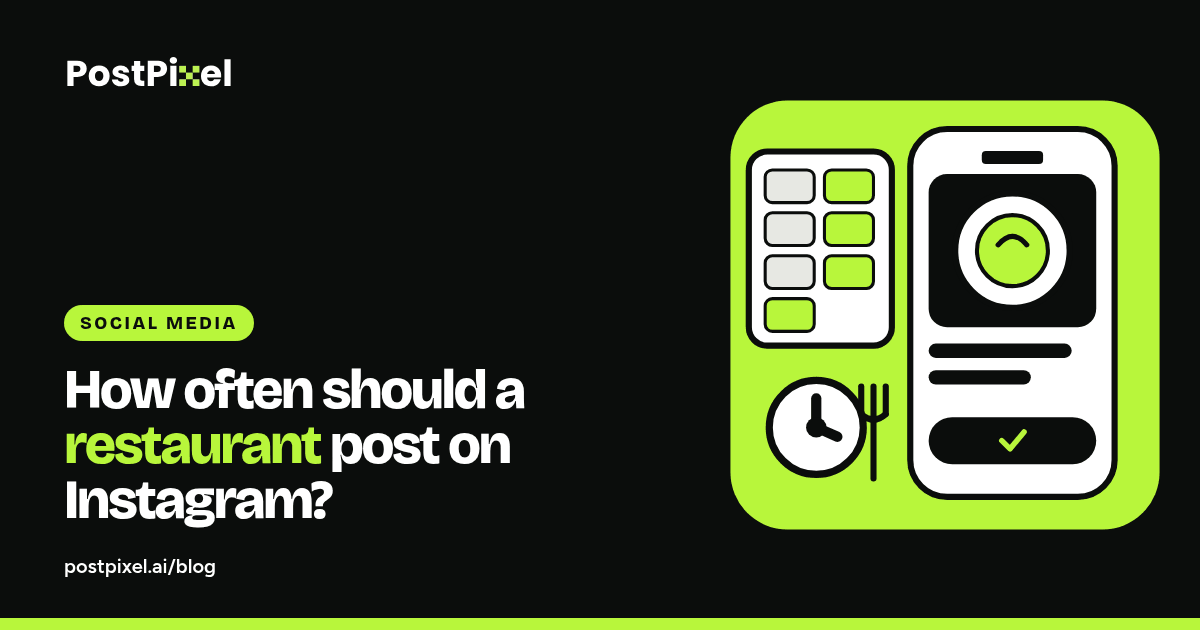
Most independent restaurants do well with three to four Instagram feed posts a week, plus stories on the days you’ve got a special, an event or a fresh batch coming out of the kitchen. That’s enough to stay in front of locals without burning out the person who runs the account. Consistency matters more than the number: three posts every week for a year beats a daily burst that stops after a month.
If you’re posting once a week or less, getting to three is the single best change you can make. If you’re already posting daily and it’s working, keep going. This guide gives you a realistic weekly rhythm, what to post each day, and how to keep it up when service runs late.
Why “post every day” is the wrong goal for most restaurants
You’ll see “post every day” advice everywhere. It’s not wrong for a big restaurant group with a marketing person. For an owner-run place, it usually ends the same way: two great weeks, then nothing for a month.
What you’re really after on Instagram:
- Locals remembering you exist when they’re deciding where to eat tonight
- Regulars seeing what’s new (a seasonal menu, a special, a holiday hours change)
- New people checking you out after a friend mentions you or they find you on Maps
None of those need a post every day. They need you to show up every week, with posts that make someone hungry or tell them something useful.
A weekly rhythm that works
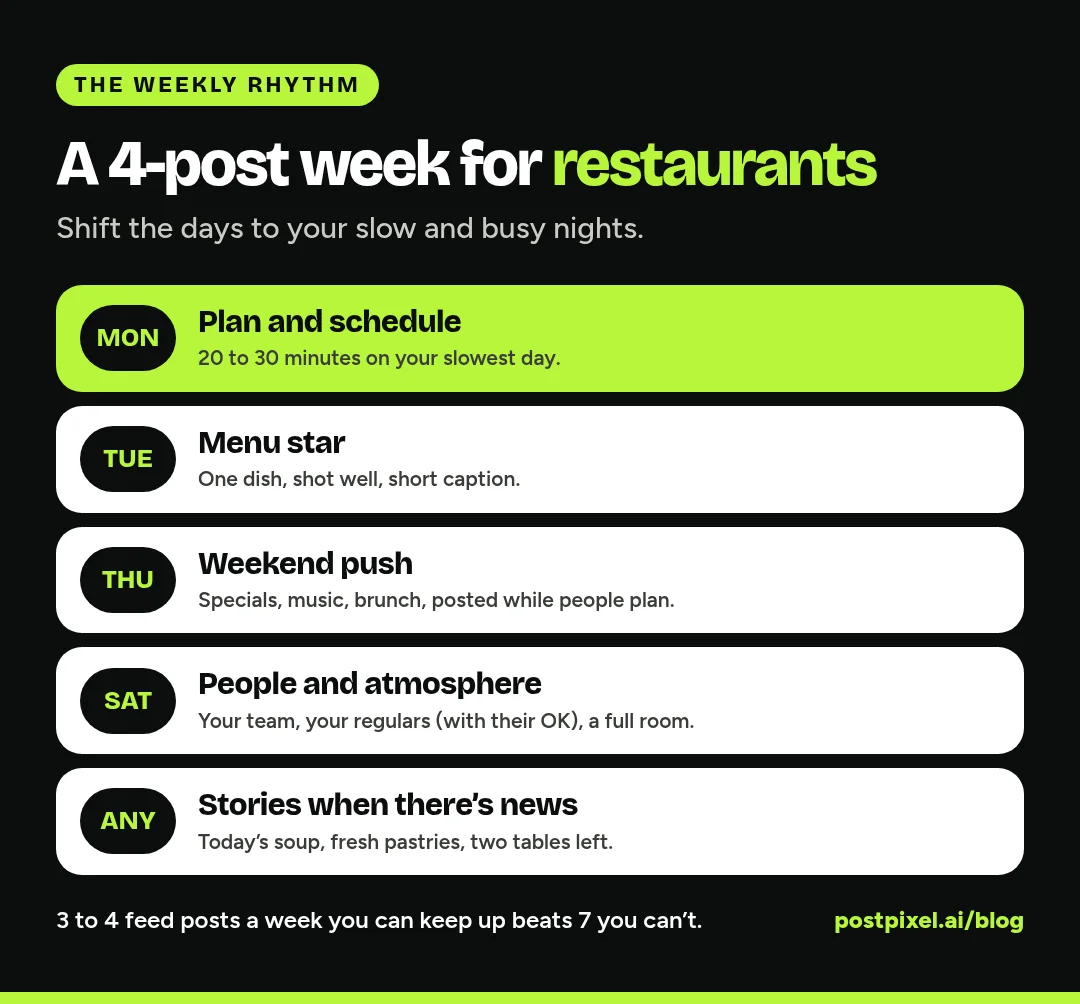
Here’s a simple four-post week. Shift the days to fit your slow and busy nights.
Monday: plan and schedule (no post needed)
Take 20 to 30 minutes on your slowest day to set up the week. Pick the photos, write the captions, schedule the posts. Doing it in one sitting is what makes the rest of the week easy.
Tuesday: a menu star
One dish, shot well, with a short caption. What’s in it, why it’s good, when you can get it. This is your bread-and-butter post.
Wednesday or Thursday: the weekend push
Whatever’s happening Friday to Sunday: a special, live music, a brunch you want to fill, a game night. Post it midweek, while people are making plans.
Saturday or Sunday: people and atmosphere
Your team, your regulars (with their OK), the room when it’s full, the person who’s made the pie every morning for six years. This is what makes people feel like they know you.
Optional fourth post: something useful
Holiday hours, a new catering or party menu, a reservation reminder, a thank-you after a big event, or a great Google review turned into a clean branded graphic.
Stories: on the days something’s happening
Stories are where you can be quick and casual: today’s soup, a fresh tray of pastries, “two tables left for tonight,” a behind-the-scenes look at prep. Post them when there’s news, not on a schedule.
What restaurants should post on Instagram
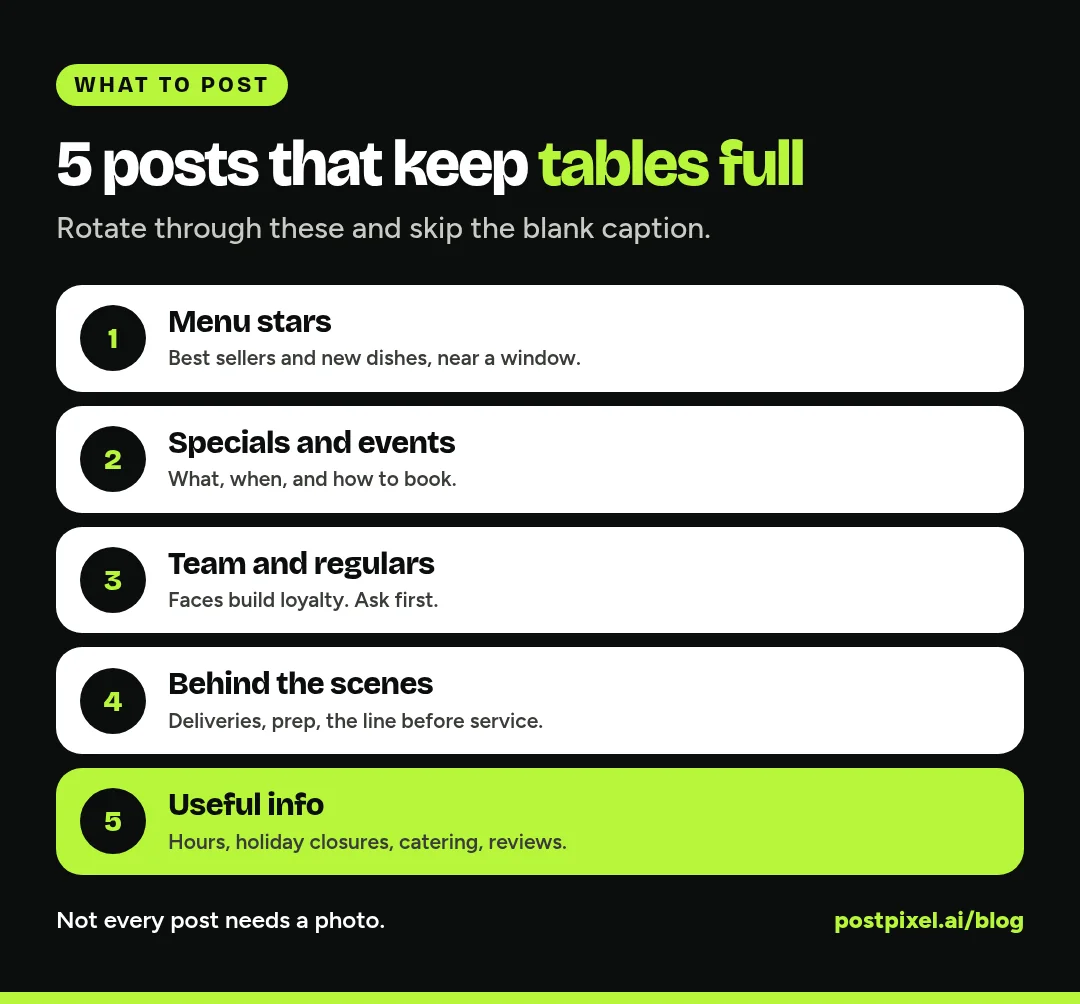
Rotate through these and you’ll rarely stare at a blank caption.
- Menu stars. Your best sellers and your new dishes. Natural light by a window beats the kitchen’s overhead lights.
- Specials and events. Clear details: what, when, price if you want to include it, and how to book.
- Team and regulars. Faces build loyalty. Always ask before posting someone.
- Behind the scenes. Deliveries from a local farm, dough being shaped, the line before service.
- Useful info. Hours, holiday closures, parking, catering, reservations, and reviews.
Keep each caption short. Lead with the thing that makes someone hungry or answers their question, then give one next step: book, call, order, come by.
Do you need great photos?
Good food photos help, and phone photos are fine if the light is good. But not every post needs one. Hours, holiday closures, catering menus, events and review posts all work as clean branded graphics in your colors and fonts.
A few photo habits that make a big difference:
- Shoot near a window, not under kitchen lights
- Wipe the plate rim
- Shoot from above for flat dishes, from the side for burgers, stacks and drinks
- Take five shots of the same plate and keep the best one
What time should a restaurant post on Instagram?
There’s no single best time for every restaurant, and generic “best time to post” charts don’t know your neighborhood. Two practical rules:
- Post before people decide. Lunch posts mid-morning, dinner and weekend posts in the afternoon or the evening before.
- Use your own numbers. If you schedule through Meta Business Suite, Meta offers an “Active times” option that suggests when to publish based on your audience (Meta Business Help Center). Check your insights after a month and move your posts toward what works.
Should restaurants post the same thing on Facebook and Google?
Yes, mostly. If your Instagram account is connected to your Facebook Page, Meta Business Suite posts to both by default (Meta Business Help Center). That’s an easy win, especially if your regulars skew older and live on Facebook.
Don’t skip Google Business Profile. It’s what people see when they search for you or for “restaurants near me” on Maps. Google says posts can share updates, offers and events, and for single-location food and drink businesses in the US, UK, Canada, Australia and New Zealand, it has a featured posts option that can show posts on your profile on mobile, in place of reviews (Google Business Profile Help).
One thing to know if you serve alcohol: Google’s tips for posts say businesses in regulated industries, which usually include alcohol, can use posts but shouldn’t include content about those products (same page). Keep cocktail and beer specials to Instagram and Facebook, and use Google for food, hours and events.
How to keep it up when the kitchen is slammed
The four-post week is easy on paper. Here’s what keeps it going in December:
- Batch on your slowest day. One sitting, one week of posts.
- Make a photo habit. Whoever plates the special takes one photo before it goes out. Drop it in a shared folder.
- Reuse your best posts. Your seasonal menu launch post can come back every year with new photos.
- Have a backup bank. Keep three evergreen posts ready (your story, your most-loved dish, how to book a party) for weeks when nothing gets made.
- Let a tool do the making. The hard part is rarely pressing “schedule.” It’s designing the post and writing the caption at midnight.
That last point is where PostPixel fits, and it’s our product, so weigh this with that in mind. You add your website, and PostPixel sets up your brand kit (logo, colors, fonts and voice). Then it creates up to five branded posts at once, with captions in your voice: menu photo posts, promotions for specials and events, informational posts for hours and holiday closures, and your Google reviews as branded posts. Use your own food photos if you have them, or let PostPixel create the visuals. Fix any spot with the precision editor, approve, and publish now or schedule to Instagram, Facebook, Google Business Profile and LinkedIn. The dashboard’s coverage calendar card shows which days have posts, so a quiet week stands out.
There’s a free plan (3 AI-generated branded posts a month, plus 2 bonus posts in your first month, with a PostPixel watermark, for 1 business and 1 social account). Paid plans start from $49/month, and they start at $0.99 for your first week. 500+ companies have signed up, and PostPixel saves up to 20 hours a month.
For more on why steady beats viral for local businesses, read local marketing without going viral. And if posting feels like a second job, this post is for you.
Mistakes to avoid
- Posting in bursts. Ten posts in launch week, then silence. Pick a pace you can keep.
- Menus as giant text images. Hard to read on a phone. Post one dish, link the full menu.
- Only posting promos. If every post is a discount, people stop looking. Mix in people and behind-the-scenes.
- Posting people without asking. Staff and guests should say yes first.
- Forgetting holiday hours. Few posts are more useful, and few get forgotten more often.
FAQ
How often should a restaurant post on Instagram?
Three to four feed posts a week, plus stories on days with news, is a realistic target for most independent restaurants. Consistency matters more than the exact number.
Is posting once a week on Instagram enough for a restaurant?
It’s better than nothing, but it’s easy to get forgotten at that pace. If you can, get to three posts a week by batching them on your slowest day.
What should a restaurant post on Instagram?
Menu stars, weekend specials and events, your team and regulars (with permission), behind-the-scenes moments and useful info like hours, holiday closures and reviews.
What’s the best time for a restaurant to post on Instagram?
Before people decide where to eat: mid-morning for lunch, afternoon or the night before for dinner and weekends. Then use your own insights, or Meta Business Suite’s Active times suggestions, to adjust.
Should my restaurant post on Google Business Profile too?
Yes. Your Google profile is where many people look you up. Post food, events, hours and offers there, and keep alcohol-focused content off it, since Google’s tips say regulated products like alcohol shouldn’t be the subject of posts.
Make the posting the easy part
You run a kitchen. Posting should take minutes, not your one night off. Start free with PostPixel, or try Solopreneur for $0.99 for your first week. More than one location or a manager who helps? Look at Teams.