
RYour Roofing Co.Example postInstagram
R logo
Just finished
New roof, done before the rain.
Another roof wrapped up this week. Thinking about yours? Free estimates.


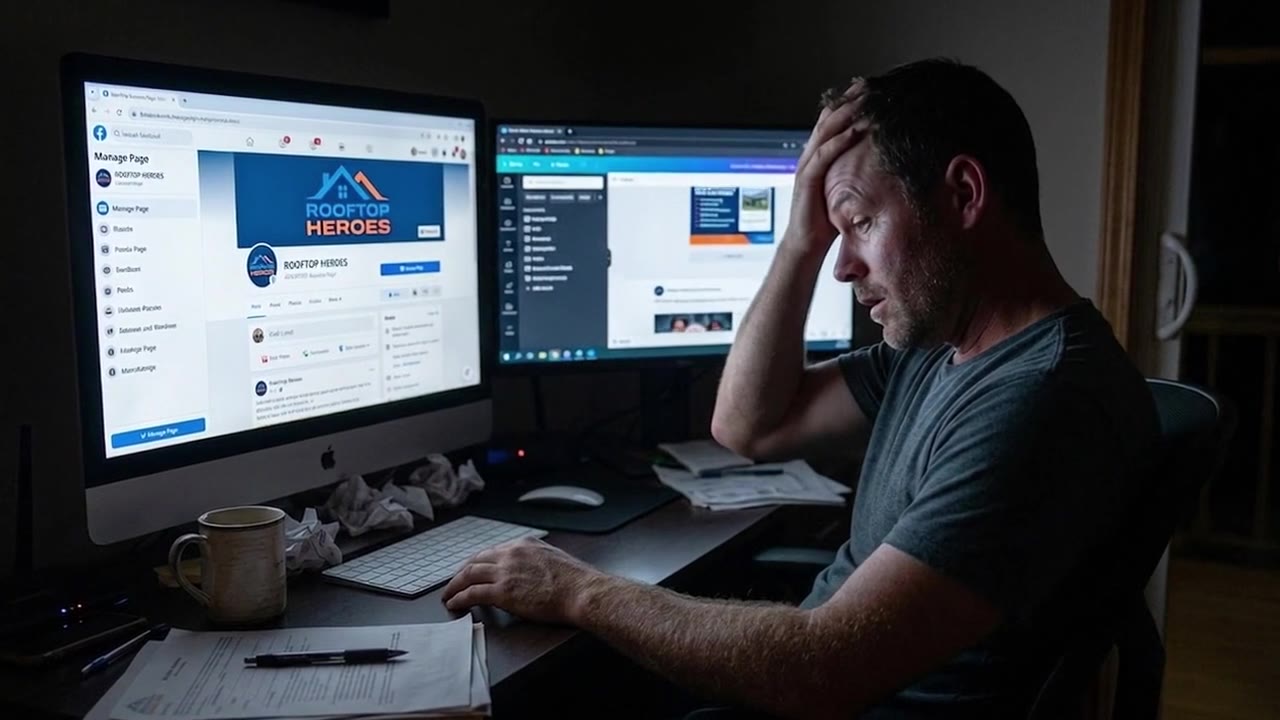
No more late nights creating content. Upload your business photos and Pixel creates branded posts for Facebook, Instagram, Google Business Profile, and LinkedIn. Edit, approve, done.
Start your 7-day trial and Pixel turns your business photos into your first posts.
7-day free trialNo contracts · Cancel anytimeNo prompts to write
Other tools make you build one post at a time. Upload as many business photos as you like, and PostPixel generates up to 5 posts together, so a week of content is ready in one go.
 Creating up to 5 posts at once…
Example posts for placeholder home-service businesses.
Yes. If your business has real photos, Pixel can turn them into posts in your brand. Nonprofits, senior care, insurance, financial services, mobile detailing, franchises and more. These are real posts made with PostPixel.
⇆Drag to browse







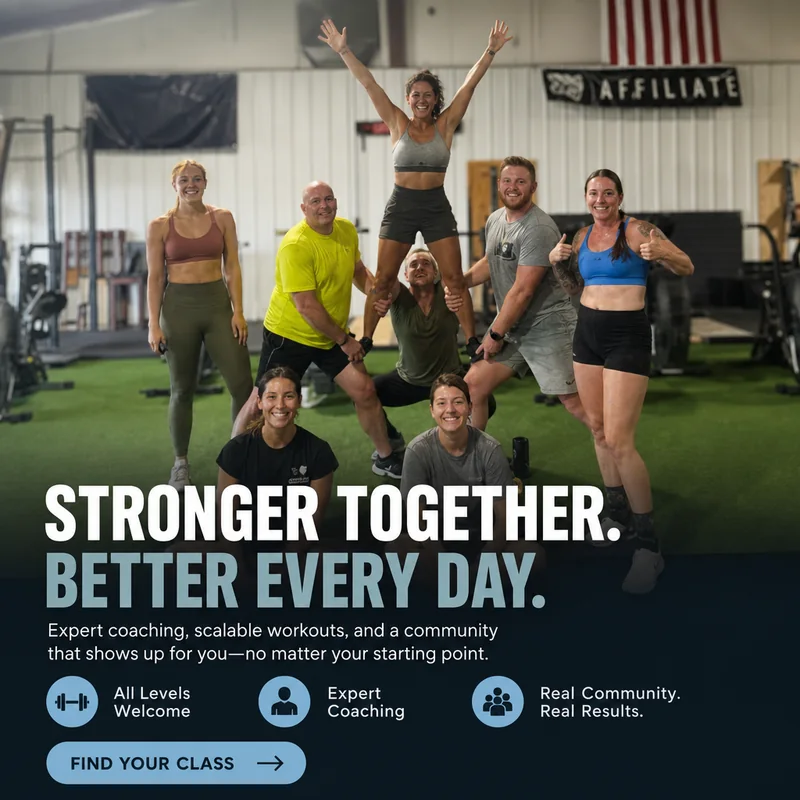
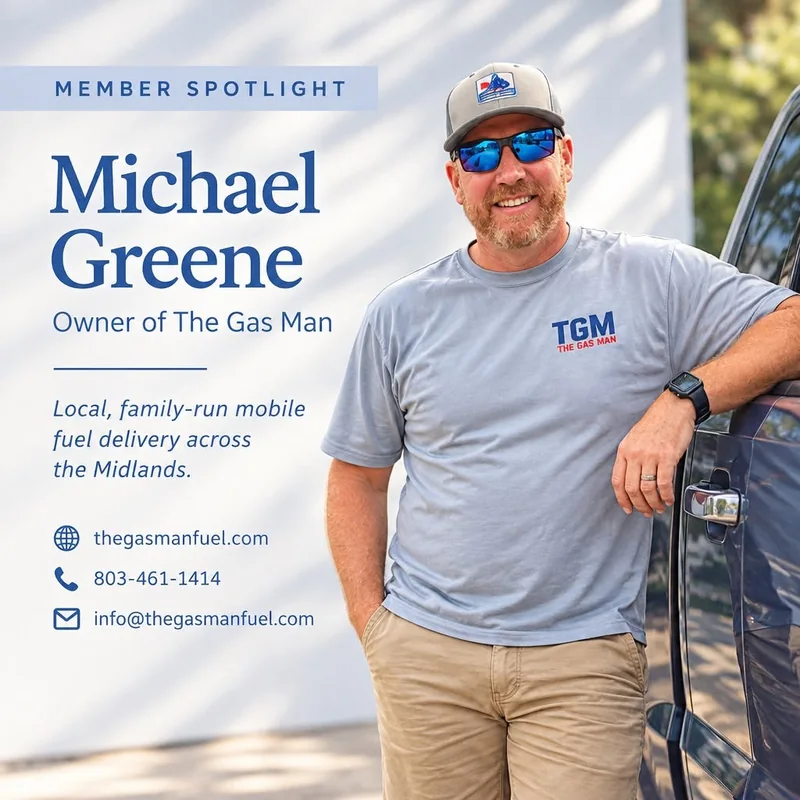





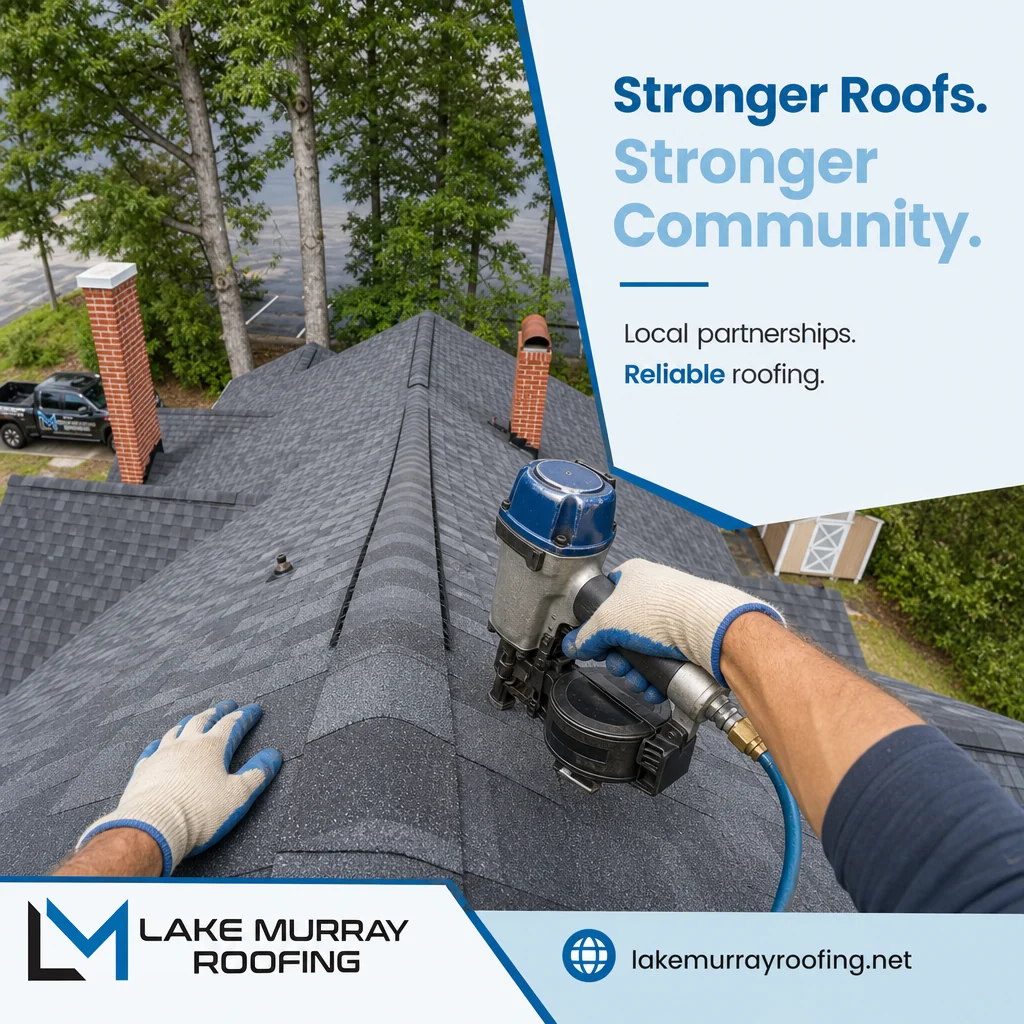
Real posts made with PostPixel. Each one carries that business's own branding.
Plumbers, roofers, restaurants, salons, nonprofits, rentals. Whatever your business is, the photos you already have can become posts.
⇆Drag to browse
Real posts made with PostPixel for real customers, shown unaltered.
No design tool to learn. No prompts to write. Here's exactly what happens.
Type your website address. That's where Pixel starts.
Pixel pulls your name, logo, colors and services. You check them.
Add as many business photos as you like, right from your phone.
Pixel creates up to five posts at once. Fix any spot with Select or Brush.
Approve, then schedule it or post it now. On Teams and Agency plans, teammates can comment on and review posts before they go live.
TodayStatic image posts · SoonReels from your photos
Pick a type and Pixel does the rest. Tap a tab, or swipe the card.
Real photos first. No photo handy? Pixel can create an image for you, but your real work always wins.
Real posts made with PostPixel for local businesses. Drag a card right if you'd post it, left to skip. Or use the buttons.
Real posts made with PostPixel. In PostPixel you can fix any spot on a post before you approve it.
Drag the slider to see a real On Call Plumbing, Heating & Air post go from camera roll to ready to post.

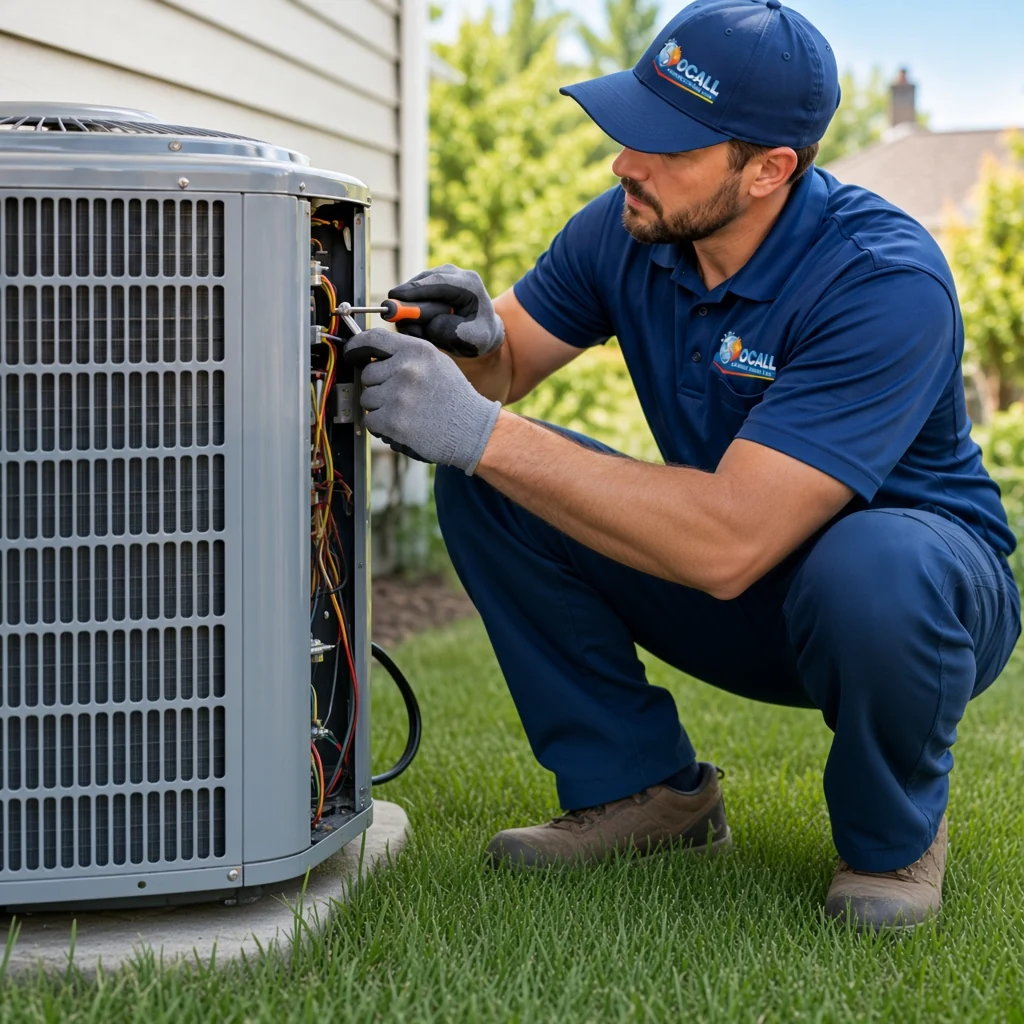 IMG_2452.JPG · Camera roll
Select or brush over any part of the post, then swap it, change it or remove it. Pixel edits only that spot, so the rest of your post stays exactly the same.
Step 4Create posts → Step 5Approve and schedule
Try it on the example post →
on G2
Quotes are excerpts from reviews on G2, shown word for word.
PostPixel is extremely easy to use and has streamlined my business social media posts.

…maintain an active online presence in about 20% of the time it used to take me!
What I like best about PostPixel is how it uses AI to make creating and scheduling social media content easier for small business owners. It saves valuable time and helps businesses stay visible and grow.
It is very intuitive. After scanning my website it knows all about my business and what I want when I create a post.

What I like best about Post Pixel is how much time it saves me.
…The setup was very easy, and I like everything about it.

I use PostPixel to make social posts for me throughout the week. I can set it and forget it, which frees up time to do other things.
It's easy to use and they have great ideas. Customer service is quick to help with any issues.
…the posts come out looking polished and professional.
…it's all about saving time, keeping things simple, and making my business look its best.
Putting content out consistently. Cuts down time to create content a lot.
…I just tell it what I want and it does the editing for me.

…It saves me a lot of time, so I can focus on other areas of my business instead of constantly working on content creation.
Slide to dial in your style. Set rules for every post, and lock things like your logo or van wrap so Pixel never redraws them.
Free roof checks this month. We spot small problems early.
⌂yourroofingco.com · Serving your area
Views, engagement and posts published live in one place. A coverage calendar shows which days are covered and what still needs approval, so your feed doesn't go silent.
13 of 16 planned
Approve 3 posts to reach full coverage this month.
Is your AC ready for winter shutdown?
Posted Sep 28 · Facebook
Last 30 days · sample data
Manage social for all your local clients from one PostPixel account. Each client gets a separate workspace with their own brand kit. Upload as many photos as you like per client and create up to 5 posts at once, in every workspace. Your call: invite the client to approve, or run your own QA and publish.
$99 includes 3 workspaces + 2 extra × $37
| Clients | How it adds up | Per month |
|---|---|---|
| 3 clients | Included in the Agency plan | $99 |
| 5 clients | $99 + 2 × $37 | $173 |
| 10 clients | $99 + 7 × $37 | $358 |
Agency plan $99/mo includes 3 workspaces. Each extra workspace is +$37/mo.
Three partner programs, depending on who you work with.
Software that serves local businesses can refer customers, embed a social module, or build on our API. Start with a pilot.
Technology partnerships → Associations & franchisesTrade associations, chambers, franchise brands and referral groups can offer members pricing on PostPixel.
Member benefits → Affiliates & creatorsCreators, coaches and consultants earn 25% of what their referrals pay for their first 12 months.
Affiliate program →Every plan starts with a 7-day free trial.
No contracts · Cancel anytime
Prices are per location. Have several locations? Book a demo.
Want a look first? Take the instant demo →
Today PostPixel makes static image posts. Here's what we're building. Join a waitlist to hear first.
Turn the photos you already have into short videos with captions and your branding.
Pixel will help plan what to post, suggest what to photograph next and explain your results in plain language.
Can't find what you need? We're happy to help.

You upload your business photos. Pixel, our AI, writes and designs ready-to-post social posts from them using your logo, colors and voice. You fix any spot you want, approve, and then publish or schedule to Facebook, Instagram, Google Business Profile and LinkedIn.
Every plan starts with a 7-day free trial. Once you sign up, you add your business photos and Pixel turns them into your first posts, so you can see what it makes for your business. No contracts, and you can cancel anytime.
Up to five at once. Other tools make you build one post at a time. With PostPixel you upload as many business photos as you like, and Pixel generates up to five posts together, so a week of content is ready in one go. On the Agency plan you can do this for each client workspace.
Real photos first. No photo handy? Pixel can create an image for you, but your real work always wins. Posts made from your own business photos look and feel like your business.
Six kinds: business photo posts, before & after posts, promotional posts (offers, seasonal specials, events), educational posts (tips and how-tos, like "3 signs your water heater needs service"), informational posts (hours, service area, announcements, FAQs) and Google review posts. Connect your Google Business Profile and your reviews automatically become branded posts.
No. Posts are made for you. If you want a change, select or brush over the spot, then tell Pixel what to change, like new text, a different color, a swapped photo, or removing something.
No. Select or brush over the part you want changed and Pixel edits only that spot. Everything else stays exactly the same.
Yes. Your brand kit holds your logo, brand colors and fonts. Two sliders set the style, from all photos to fully designed, and how much text goes on your graphics. You can turn icons on or off and add custom brand instructions, like "Always show our logo exactly as uploaded."
Not if you lock them. Add things like your logo, a wrapped van, uniforms or a signature product as protected brand assets, and Pixel shows them as uploaded instead of redrawing them. You can back that up with custom brand instructions.
Any local business with photos of its work, team, space or products: trades and home services, restaurants, salons, nonprofits, vacation rentals, shops and more. Plus the agencies that manage them.
Yes. PostPixel works for any local business with real photos, not just trades and home services. Nonprofits, senior care, insurance, financial services, mobile detailing and franchises work the same way: upload your business photos and Pixel creates up to 5 posts at once in your brand. See example posts.
Not yet. Today PostPixel makes static image posts. Reels are coming soon, and you can join the waitlist above.
The Agency plan is $99/month and includes 3 client workspaces. Each extra workspace is $37/month, and it starts with a 7-day free trial like every plan. So 5 clients is $173/month and 10 clients is $358/month.
If you want them to. On the Agency plan it's your call for each client: invite the client to approve, or run your own QA and publish.
Only if you want them to approve. Invite them to their workspace and they get their own login.
There are three programs: technology & CRM partners, associations & franchises, and affiliates & creators. Affiliates earn 25% of what their referrals pay for the first 12 months.
Start your 7-day trial and Pixel turns your business photos into your first posts.
No contracts · Cancel anytimeNo design skills needed