

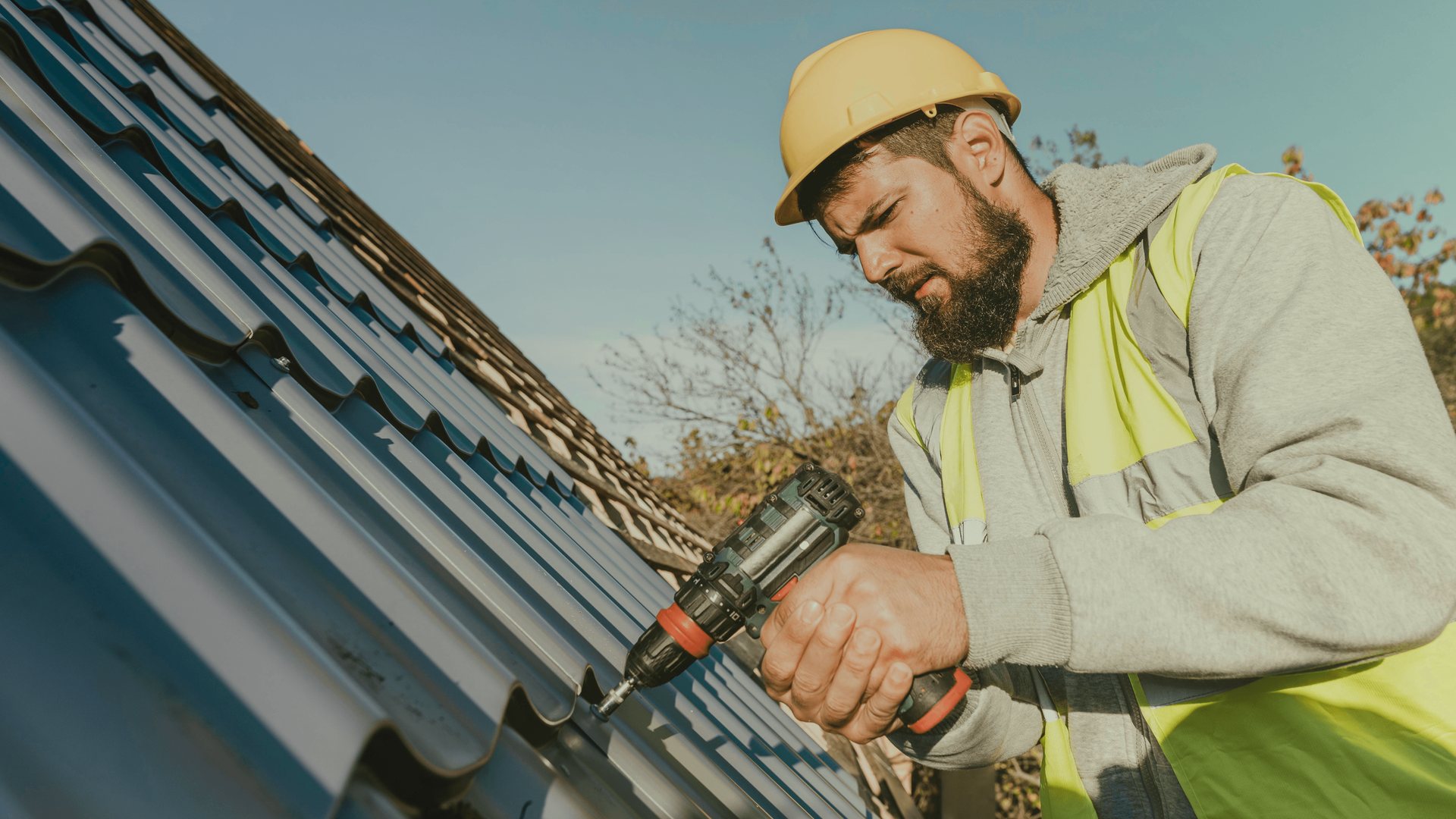
You already take photos on every roof. Upload them and Pixel writes and designs branded posts for Facebook, Instagram, Google Business Profile and LinkedIn, up to 5 at once.
Start your 7-day free trial →Start your 7-day trial and Pixel turns your business photos into your first posts.
7-day free trialNo contracts · Cancel anytimeNo prompts to write
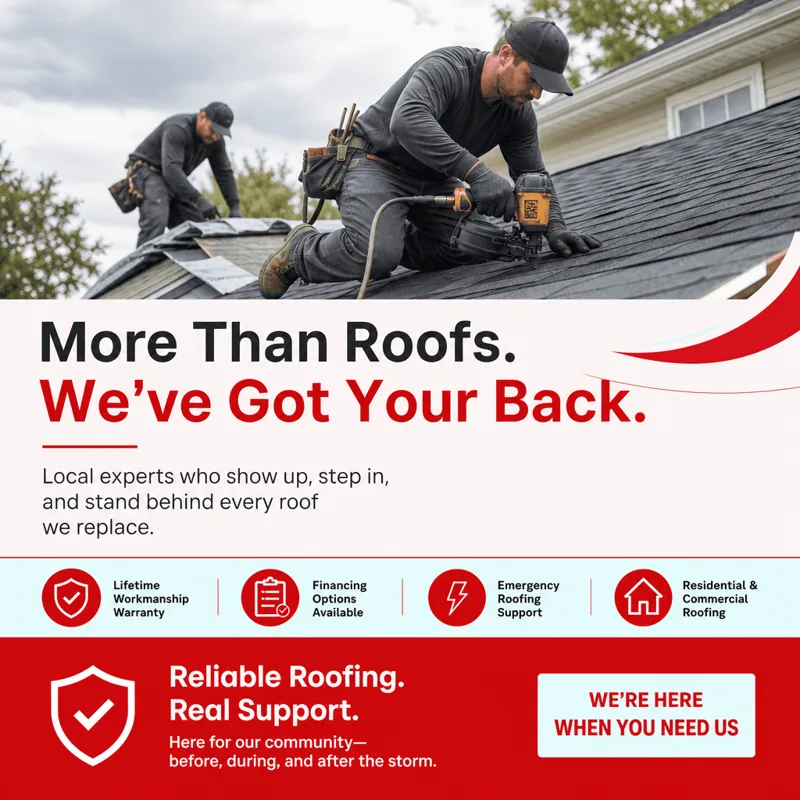
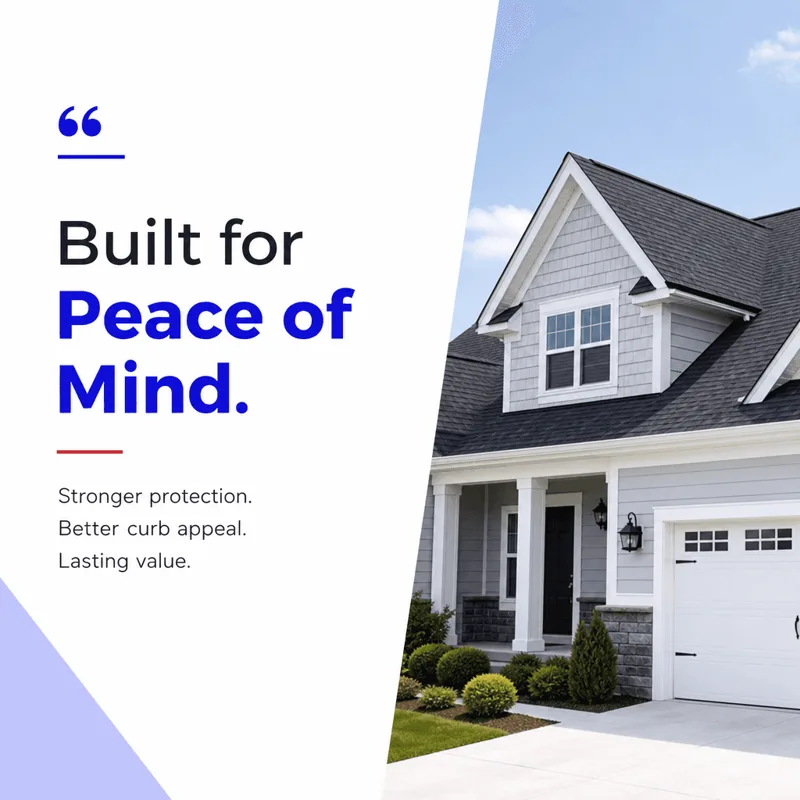
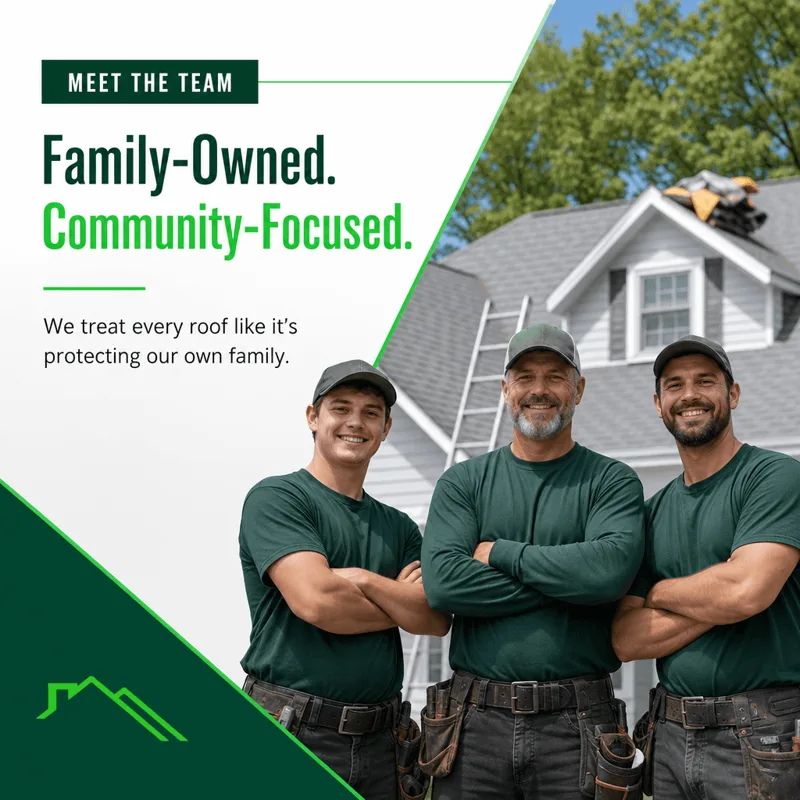
These are sample posts made with PostPixel for roofers. Yours start from your own business photos, in your logo, colors and voice.

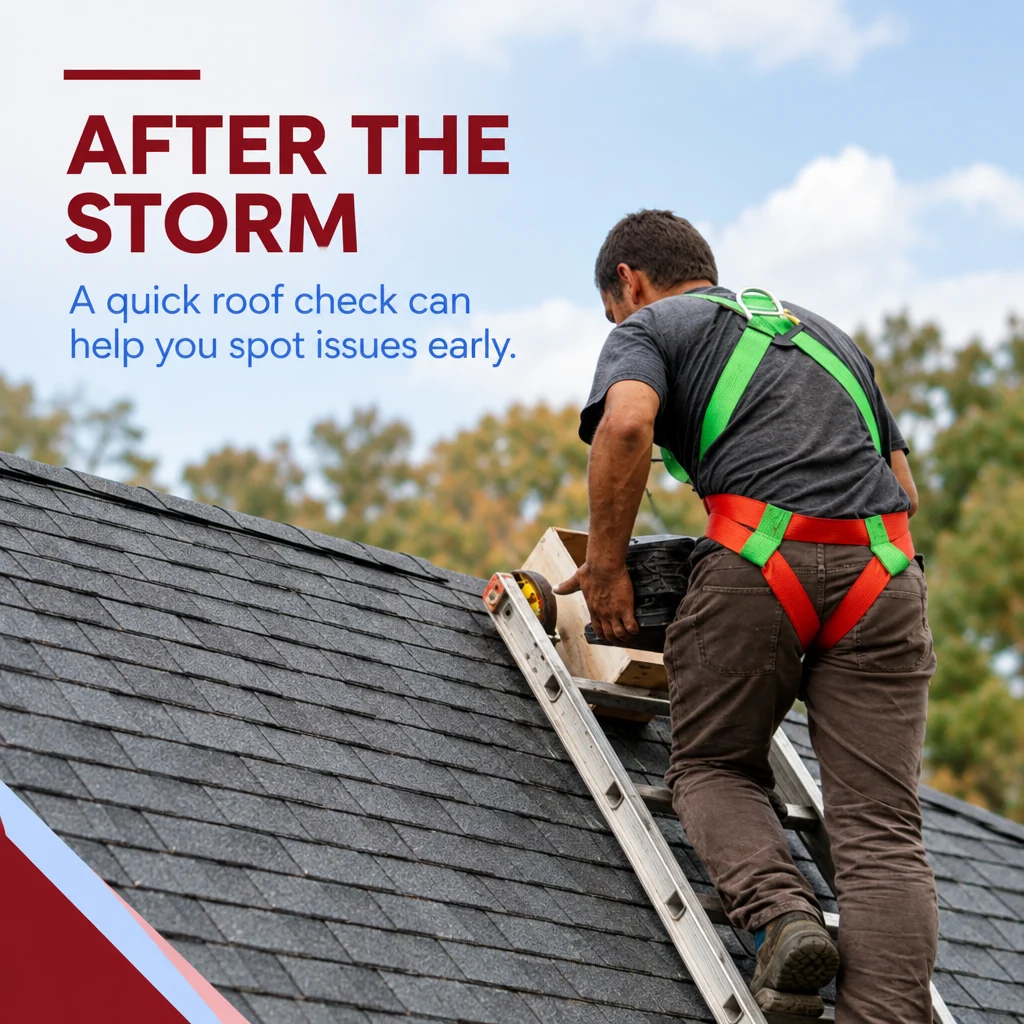

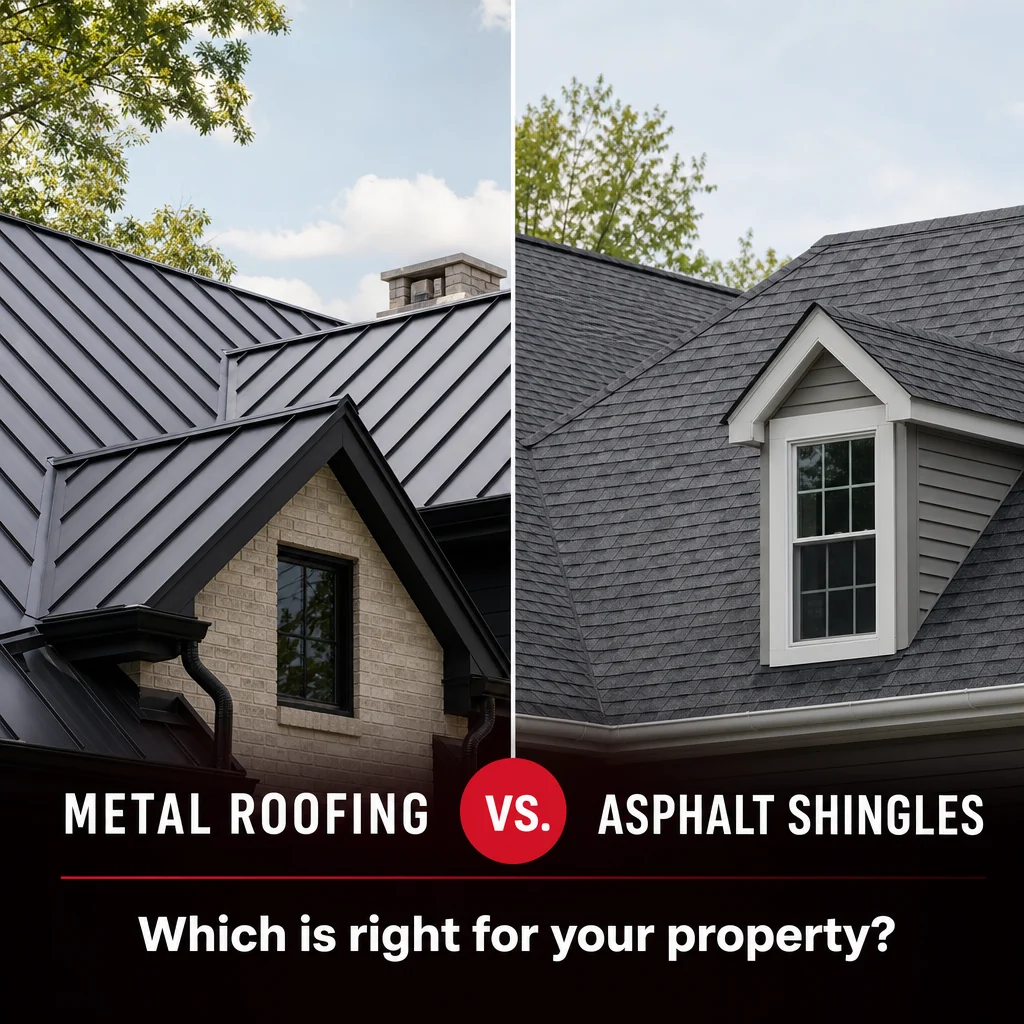
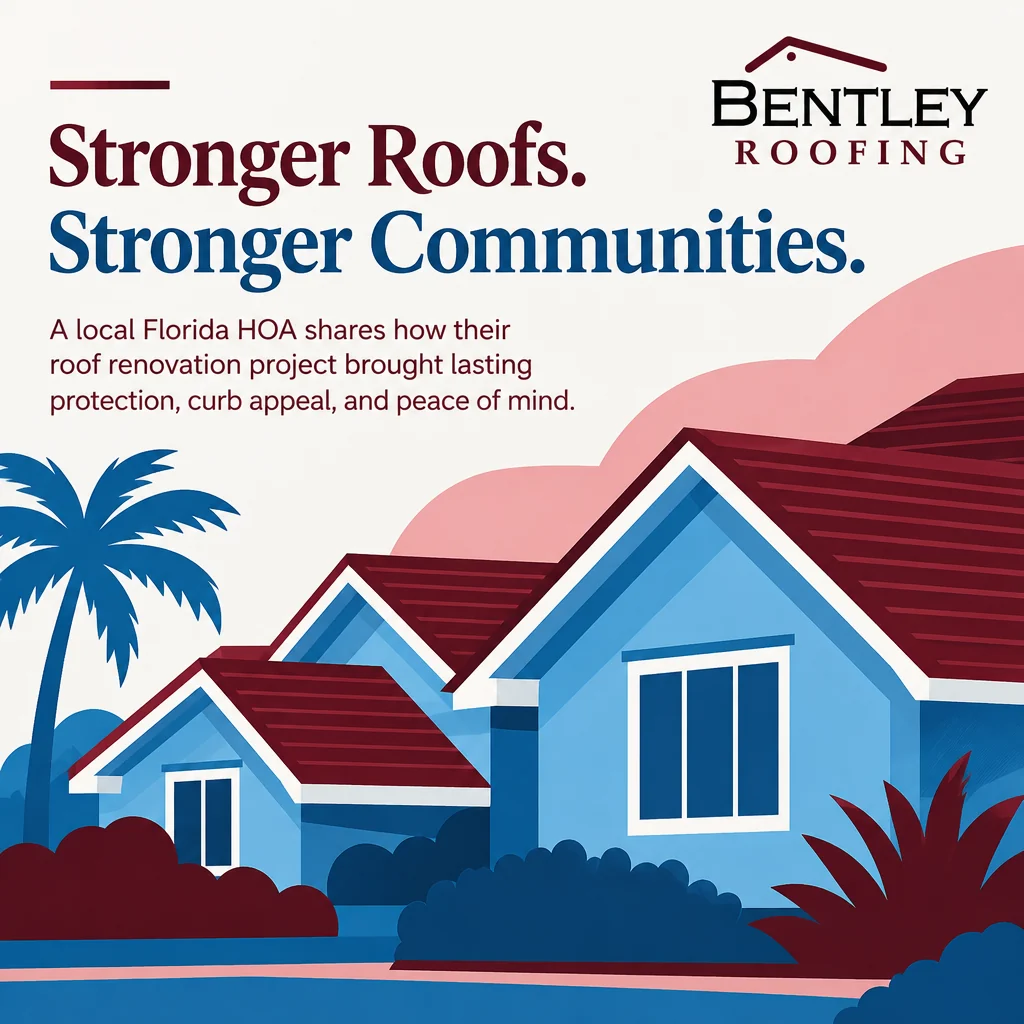

Sample posts made with PostPixel. Each one carries that business's own branding.
Posting regularly helps people find you and trust you. Finding the time is the hard part.
Making graphics takes time away from estimates, crews and customers.
Without a plan, posts happen randomly or not at all.
Weeks go by without a post and people assume you're not busy, or not around.
No design tool to learn. No prompts to write.
Type your website address. That's where Pixel starts.
Pixel pulls your name, logo, colors and services. You check them.
Add as many business photos as you like, right from your phone.
Pixel creates up to 5 posts at once. Fix any spot with Select or Brush.
Approve, then schedule it or post it now.
Other tools make you build one post at a time. Upload as many business photos as you like, and Pixel generates up to 5 posts together.


Pick a type and Pixel does the rest. Every type works from your business photos.
Your real work, your team, your space. Each photo becomes a branded post with a caption in your voice.
A finished roof, your crew on site, or a fresh tear-off.Two photos side by side in one branded post, so people see the difference you make.
Storm damage next to the finished replacement.Offers, seasonal specials and events, designed in your brand.
Financing options or a free roof inspection offer.Tips, how-tos and myths, written in plain language.
Signs of hail damage, or what to check before storm season.Hours, service area, news and the questions you hear every day.
Your service area, licensing, and how to book an inspection.Connect your Google Business Profile and your reviews become branded posts.
A homeowner's Google review, turned into a branded post.TodayStatic image posts · SoonReels from your photos
Select or brush over any part of a post, then tell Pixel what to change. Only that spot changes. The rest of the post stays exactly the same.
Try the editor demo →Your logo, colors and fonts on every post. Two sliders set the style and how much text goes on your graphics. Lock your logo, vehicle wrap or signage so Pixel never redraws them.
Every plan starts with a 7-day free trial. No contracts, cancel anytime.
After you sign up for your free trial, add your business photos and Pixel makes your first posts so you can see them for your own business.
Can't find what you need? We're happy to help.

Yes. Pixel makes posts for residential, commercial and storm restoration roofers: replacements, repairs, inspections, gutters, storm season reminders and financing offers.
Yes. Upload a before photo and an after photo and Pixel puts them side by side in one branded post.
Not if you lock it. Add your logo, a wrapped truck or your yard sign as protected brand assets in your Brand Kit, and Pixel shows them as uploaded.
Every plan starts with a 7-day free trial. Once you sign up, you add your business photos and Pixel turns them into your first posts, so you can see what it makes for your business. No contracts, and you can cancel anytime.
Up to 5 at once. Other tools make you build one post at a time. With PostPixel you upload as many business photos as you like, and Pixel generates up to 5 posts together.
Facebook, Instagram, Google Business Profile and LinkedIn. Approve a post, then publish it now or schedule it for later.
Not yet. Today PostPixel makes static image posts. Reels are coming soon.
No. Posts are made for you. If you want a change, select or brush over the spot and tell Pixel what to change.
Start your 7-day trial and Pixel turns your business photos into your first posts.
No contracts · Cancel anytimeNo design skills needed