PostPixel vs Canva for Social Media: Service Businesses
PostPixel vs Canva for service business social media: one makes posts from your business photos for you, the other is a design tool you run yourself.
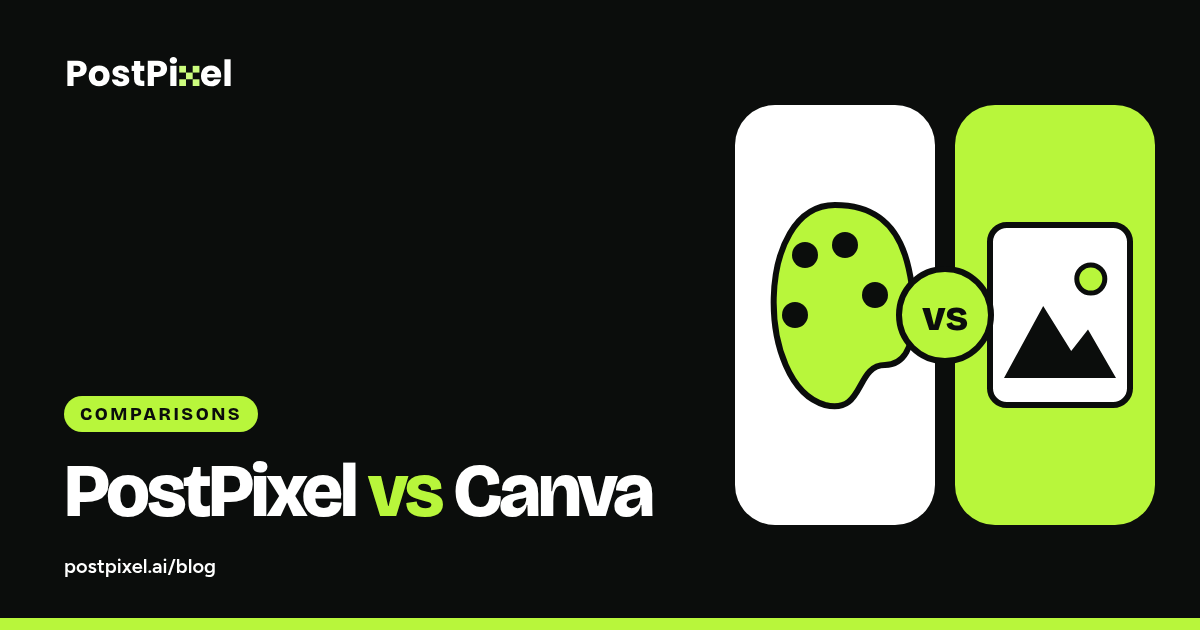
PostPixel vs Canva comes up a lot when service business owners get tired of making posts at night. They’re different kinds of tools. Canva is a design app you operate. PostPixel makes social posts for you from your own business photos. Which one fits depends on how much time you have and how much you like designing.
The quick version
| PostPixel | Canva | |
|---|---|---|
| What it is | A tool that makes and publishes social posts from your business photos | A general design app |
| Who does the design | PostPixel, using your Brand Kit | You |
| Captions | Written for you, in your voice | You write them (or use add-on AI features) |
| Publishing | Facebook, Instagram, Google Business Profile, LinkedIn | Export or schedule, depending on plan |
| Best for | Busy owners who want steady posts | People who like designing, or need print and one-off pieces |
| Price | From $49/ |
Free and paid plans (Canva pricing) |
How making a post works in each
In Canva
You pick a template, swap in your photo, change colors and fonts to match your brand, write a caption, resize for each platform and post or schedule it. You have full control. You also do every step.
In PostPixel
You set up your Brand Kit once (PostPixel pulls your logo, colors and services from your website). Then you upload your business photos, up to 25 at a time. PostPixel creates branded posts with captions, up to five at once. You edit anything you want, approve and post now or schedule.
Branding
Both can keep you on-brand if you set them up well.
In Canva, it’s up to you to apply your brand every time. In PostPixel, your Brand Kit is applied automatically: logo, colors, heading and body fonts, style settings, icons, custom brand instructions, brand backgrounds and protected “Important to Our Brand” assets.
Editing
Canva gives you pixel-level control over everything.
PostPixel lets you edit and approve every post. On Teams and Agency plans, the Precision editor lets you select or brush over one spot and change just that part, while the rest stays the same. You can upgrade any time.
Time
This is the biggest difference. With Canva, every post costs you time. With PostPixel, your time goes into taking photos and reviewing posts. PostPixel saves up to 20 hours a month on creating content.
When to choose Canva
- You enjoy design and have the time
- You need flyers, signs, menus or print pieces
- You have a designer on the team
When to choose PostPixel
- You run a local service business and you’re short on time
- You have real job photos and want them posted steadily
- You want posts on Facebook, Instagram, Google Business Profile and LinkedIn without doing the design yourself
Plenty of owners use both: PostPixel for weekly social posts, Canva for the occasional flyer.
FAQ
Is PostPixel a Canva replacement?
For regular social posts, yes for most service businesses. For print and one-off designs, keep Canva.
Can PostPixel use my own photos?
Yes. That’s how it works best. Real business photos come first. If you don’t have a photo handy, PostPixel can create an image, but your real work usually performs better with customers.
Does Canva post to Google Business Profile?
Check Canva’s current features, since they change. PostPixel posts to your Google Business Profile once you’ve connected it and selected it for the post.
Try it with your photos
Start a 7-day free trial and compare a week of PostPixel posts with your usual Canva routine. A card is required to start. For a wider comparison that includes agencies, read PostPixel vs Canva vs agencies.